LinkedIn formats ·
Vertical video on LinkedIn: the first three seconds that hold attention in 2026
Vertical video arrived late on LinkedIn (late 2023) and it arrived with a borrowed TikTok label. For the first eighteen months, many creators tried to copy TikTok formats straight into the professional feed and the results were mediocre. In 2026 the format has its own rules, which are much closer to a corporate conversation than to a dopamine spike.
This article covers what is working in LinkedIn vertical video in mid 2026, why the first three seconds decide whether the video gets watched, and which patterns have emerged as native to the platform without slavishly copying TikTok or Instagram Reels. All of it aimed at the creator who does not live off LinkedIn but needs their video presence to work.
By Sheena de PunkVoice · Edited by Mario Pérez
Why the first three seconds decide everything
The LinkedIn feed in 2026 autoplays video when it enters the screen, with no sound by default. The first three seconds are the window in which the user decides whether to keep watching or carry on scrolling. That decision happens before the algorithm has enough data to know whether the video deserves more distribution.
The algorithm knows this and treats the first three seconds as a disproportionately heavy signal. If a high percentage of your audience starts the video but abandons before second three, the video is flagged as low interest and gets distributed to far fewer people in the following hours, regardless of whether the rest of it was brilliant.
That means the hardest part of a good LinkedIn video is not the script, or the edit, or even the lighting. It is designing the first three seconds with the discipline of a newspaper headline: they have to make someone who was about to scroll stop, and the rest of the video has to live up to that promise.
The four opening types that work in 2026
After two years of successful videos in the professional feed, four patterns consistently hold the first three seconds. Any opening that fits none of them is usually a video that never gets going.
- The non obvious claim: the video's first sentence is a thesis contradicting the industry's common sense. Example: "The best thing that can happen to a freelance consultant is losing their biggest client".
- The immediate scene: the first three seconds are visually a concrete action or situation that anchors the rest (showing an object, a screenshot, a whiteboard, a place). Example: someone showing a rejection email on screen while narrating.
- The craft specific question: not a general rhetorical question, but one only your target audience asks regularly. Example: "What do you charge for an express LinkedIn audit when the client says it is urgent?".
- Explicit authorship of the context: saying in three seconds who you are and what authority you speak from, when the context is what ignites the interest. Example: "I have run hiring processes for 400 technical roles. This is the pattern that sinks the most candidates".
The formats that die in the professional feed
The three formats that arrived with the TikTok label and clearly underperform on LinkedIn in 2026 are the ones that depend on cultural codes that do not work in an asynchronous feed checked over breakfast.
The first is video with the soundtrack as protagonist (music with recognisable lyrics carrying the meaning). On LinkedIn 70% of users watch the feed with no sound by default; a video that depends on the lyrics loses all its force. The second is video with very fragmented editing (cuts every second, fast transitions). In a professional context it reads as aggressive marketing and lowers the sender's credibility rather than raising it.
The third is the reaction, duet or response format with no explanatory context. They work in apps where the user is immersed in a creative tribe and recognises the references; on LinkedIn they land in a feed where nobody has time to decode the game.
Sound, subtitles and the default volume problem
The most practical operational point for LinkedIn video in 2026: always subtitles, with sound designed to complement rather than carry the weight. The reason is that LinkedIn has never resolved the sound friction in its feed. The user opens the app at work, on the underground or in a team meeting, and by default everything is muted.
Subtitles need three characteristics: burned into the video (not auto-generated by LinkedIn, which arrive late and with errors), high contrast against any background (usually white with a black outline or black with a white outline), and placed in the central third of the screen, not the bottom edge, where LinkedIn's interface covers them on some devices.
Sound, when it is there, should add value separately: discreet ambient music if it accompanies a visual demonstration, your clear voice if you narrate. But the video has to work without sound first, and sounding good is a bonus rather than a requirement. Any video whose idea cannot be understood on mute will perform badly on LinkedIn regardless of the audio quality.
The optimal length in 2026 (less than you think)
The sweet spot for vertical video on LinkedIn in 2026 sits between 45 and 90 seconds. Under 30 seconds the video works but rarely stands out from the feed; over two minutes the completion rate collapses and the algorithm cuts distribution.
Within that range, the exact length depends on the opening format. A video with a non obvious claim can hold 90 seconds if it develops the thesis with two or three concrete arguments. A video with a craft specific question works better between 45 and 60 seconds, giving a closed answer with a couple of nuances. A video with an immediate scene can stay at 30 to 45 seconds if the scene explains itself.
The classic mistake in 2026 is trying to squeeze into two and a half minutes what fits in 60 seconds. LinkedIn is not YouTube: a long, well argued video works far better as a written article or a carousel. Vertical video plays in the short band and whoever understands that wins on distribution.
Realistic production with no video team
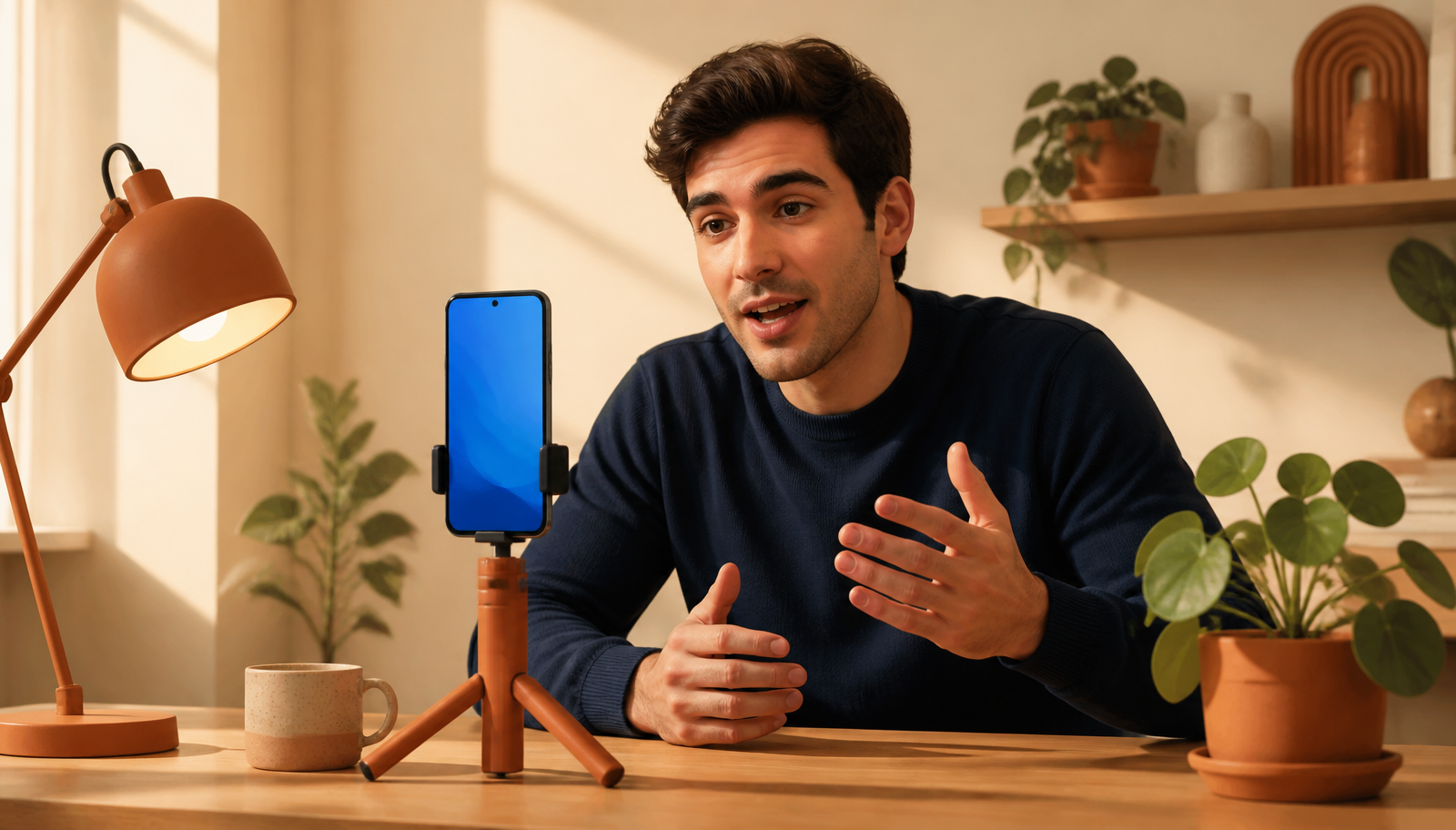
Vertical video on LinkedIn in 2026 does not demand a professional setup. A modern phone in portrait on a small tripod, indirect natural light and a neutral background with some visual texture are enough. The technical quality a recent iPhone or Android delivers is above what the algorithm requires.
What the format does demand is minimal preparation before recording. The first three seconds scripted word for word (not improvised), the main thesis written before you hit record, and one or two possible closing lines thought through. Everything else can be improvised, but the opening and the close cannot. It is the difference between a video that holds attention and one that dies at ten seconds.
One useful operational tip: record yourself talking about the topic for two or three minutes and then edit down to 60 seconds. Almost always the best material comes from minute two, once you have warmed up. The instinct to use the perfect first take rarely produces the best video. Recording more than you need and cutting is more efficient than hunting for the good take first time.
The video that holds attention is the one that respects the context
Vertical video on LinkedIn in 2026 has settled into a language of its own, closer to a short intervention in a work meeting than to an entertainment video. The first three seconds decide the video's fate, sound is optional, the length is short, and the opening is a serious commitment to the rest of the content.
The creator who respects that context, recording with a professional opening the app at work in mind rather than a user lying on a sofa, produces videos that pay off. The one who copies TikTok formats expecting the same effect on LinkedIn produces videos that die on their own. The distinction is not technical, it is about understanding the medium.