Formats ·
Video on LinkedIn: why it gets watched less than it looks (and when it does)
Video has been LinkedIn's permanent promise for years. The platform has pushed it with algorithm changes, prioritised it in the feed and added specific features. Marketing professionals keep repeating it is the format of the future. And yet most profiles publishing video still see terrible retention and almost no conversation.
This guide collects which kinds of video do work on LinkedIn, what retention to realistically expect (very different from the promised figure) and how to start with a minimum setup if you decide to try. Without becoming an accidental YouTuber or investing in professional kit you do not need.
By Sheena de PunkVoice · Edited by Mario Pérez
What actually happens with video on LinkedIn
LinkedIn is not Instagram or TikTok or YouTube. The audience arrives in a different mental state: during working hours, with audio off, attention scattered, one tab among another seven. That drastically changes how video is consumed compared with other platforms.
The view metric LinkedIn shows is deceptively generous. It counts a view after a few seconds, without distinguishing how many reached the end. Real retention (how many watched more than 70% of the video) is usually 5 to 15 times lower than the official figure.
That does not mean video does not work. It means the way to measure its impact has to be different: substantive comments, direct messages generated, conversations that open from the video. The play count is the least actionable metric LinkedIn offers.
When video does build a brand
When you are communicating something a face, a voice and gestures convey better than text. Difficult decisions, contested opinions, content where visible conviction matters. Here video adds what no written post can.
When you are explaining a process or product that in text would require heavy screenshots. A short 60 to 90 second screencast with a voiceover can replace three consecutive posts about the same thing.
When you are reinforcing personal brand recognition once you already have an audience. People who have been reading you for months appreciate being able to put a voice and a gesture to the name they have read. It is one of the steps that generates the most trust.
When you are documenting something live: a talk you are giving, an event you are attending, a project under way. Here the immediacy of video delivers what text cannot.
How to connect the video format with your overall LinkedIn strategy
When video is noise and writing is better
When you can say it with the same clarity in 250 words of text. Video adds production time and asks the reader for sustained attention. If the message fits in a normal post, the video is subtracting.
When you do it without thinking and it shows. Talking to camera for three minutes with no prior script almost always produces confused results. Professionals who look comfortable on video have rehearsed more than it seems.
When you try to compete on production with creators who live off video. If your video gets compared with one made by a full time creator with a set, editing and a script, you will lose. The sensible move is not competing on production and betting on density of judgement.
When the industry is very formal and the video format jars. In traditional consulting, corporate law and finance, a profile that overuses selfie video loses authority. There are cultural margins worth respecting.
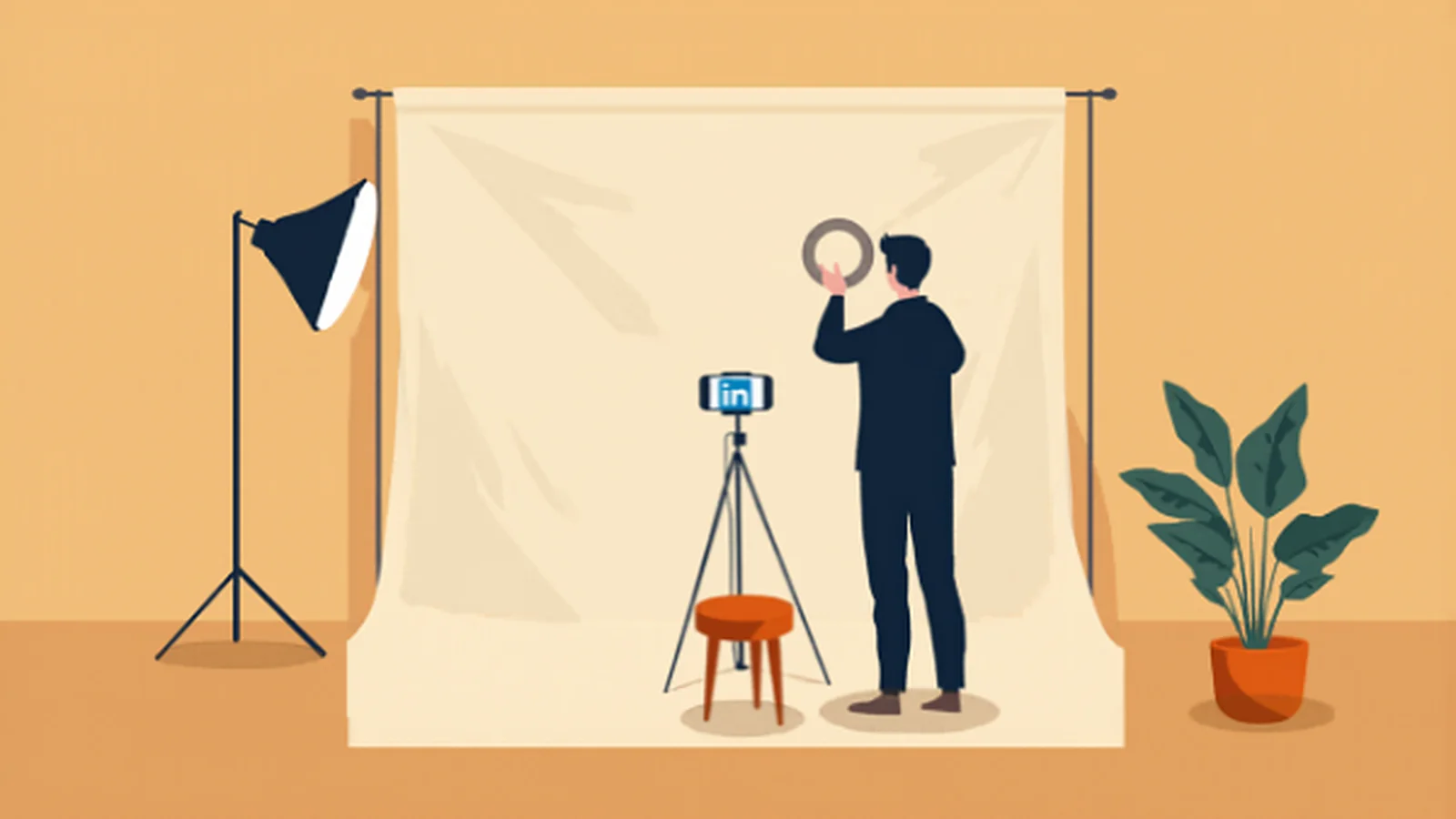
A minimum setup for starting without looking amateur
Camera: the phone you already have. Any phone from the last five years gives more than enough quality. The rear camera (not the front one) has a better sensor and better resolution, and it is worth the effort of recording with that.
Audio: the most important part. A lapel or lavalier microphone for 20 to 50 euros improves the result more than any camera upgrade. Without clear audio, the video does not hold up.
Light: a side window during the day is enough. If you record at night or indoors with no natural light, a small ring light under 30 euros solves it. Without light, quality falls however good the camera.
Tripod: a small tripod or a desk mount stabilises the image. Handheld videos convey careless urgency rather than considered spontaneity.
Editing: cut the start and the end, remove long pauses, add subtitles. Apps like CapCut or LinkedIn's own tools are enough. Editing beyond that usually adds work without improving the result.
Subtitles are not optional, and the silent video
Between 70% and 85% of LinkedIn views happen with sound off. This is not optional: if your video has no subtitles, most people who open it will close it within a few seconds.
Subtitles have to be generated and reviewed manually. Automatic transcriptions have serious errors, especially with technical vocabulary, proper names or jargon. A visible error in a subtitle affects credibility more than it seems.
One good practice: record the video conscious that it will be watched in silence. The more visual the information (gestures, screenshots, products), the less it suffers without audio.
Optimal length and why short videos do not always win
LinkedIn's general data suggests videos between 30 and 90 seconds have better percentage retention. That is true, but misleading if read as "always make short videos".
The criterion that pays off best: the video lasts exactly as long as the message needs, not a second more, not one less. A 30 second video forced to 90 with filler lowers retention. A four minute video with dense, well structured content can hold retention perfectly.
What rarely pays off: videos over 5 minutes in the main feed. Sustained attention on LinkedIn does not hold those formats except in very specific cases (relevant interviews, talks with unique content). For long video it is better to open a YouTube channel and link to it than to force it into the feed.
Common mistakes that give amateur video away
Starting with self promotion: "Hi everyone, today I want to talk to you about...". The first 3 seconds are as critical as a post's first paragraph. Start with the content directly, introductions later.
Talking while looking somewhere other than the camera. If your script is on another screen, put it right behind the lens. A wandering gaze conveys insecurity immediately.
Audio with echo, a noisy background or inconsistent levels. Punished far more than a bad image. If you are going to invest in something, invest in audio.
A lack of structure. A video that meanders for 90 seconds is worth less than a well structured 30 second one. The practical rule: being able to say in one sentence what you want to convey before recording.
Uploading the video with no decent cover. The video's first frame is what the reader sees before pressing play. A random, badly composed first frame noticeably reduces clicks.